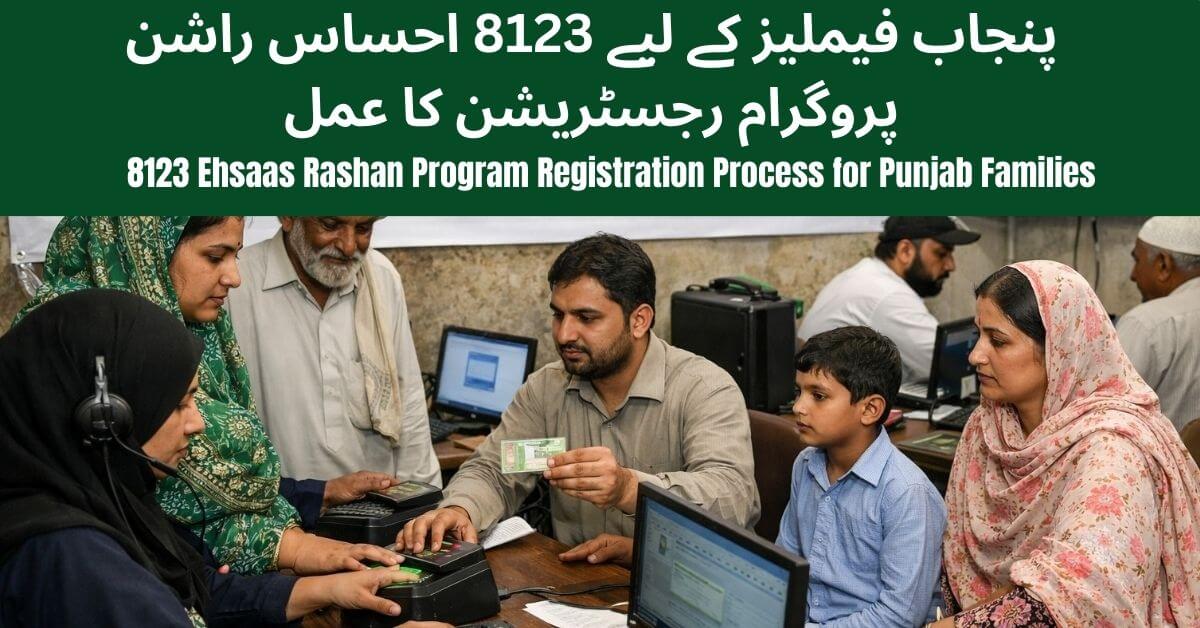
If your Rashan Card subsidy is blocked, delayed, or showing CNIC errors, don’t worry. The Punjab Government has introduced a simple online complaint system to help registered families resolve their issues quickly without visiting any office.
In this complete step-by-step guide, you’ll learn:
- How to submit a complaint online
- Required documents
- Official helpline details
- Common issues & solutions
- How long it takes to resolve
What Is Rashan Card Complaint Online 2026?
The complaint system is part of the Punjab Social Protection Authority digital support initiative.
It allows beneficiaries of the Rashan Card Scheme 2026 to:
- File complaints from home
- Track complaint status online
- Receive SMS updates
- Avoid middlemen and agents
The system ensures transparency and faster resolution through a centralized database.
Common Problems Faced by Rashan Card Holders
Before submitting a complaint, identify your issue category. Most reported problems include:
- ❌ Subsidy amount not received
- ❌ Rashan card blocked without reason
- ❌ CNIC verification failed
- ❌ Name missing from beneficiary list
- ❌ Payment delay at registered shop
👉 Always double-check your CNIC details before filing a complaint.
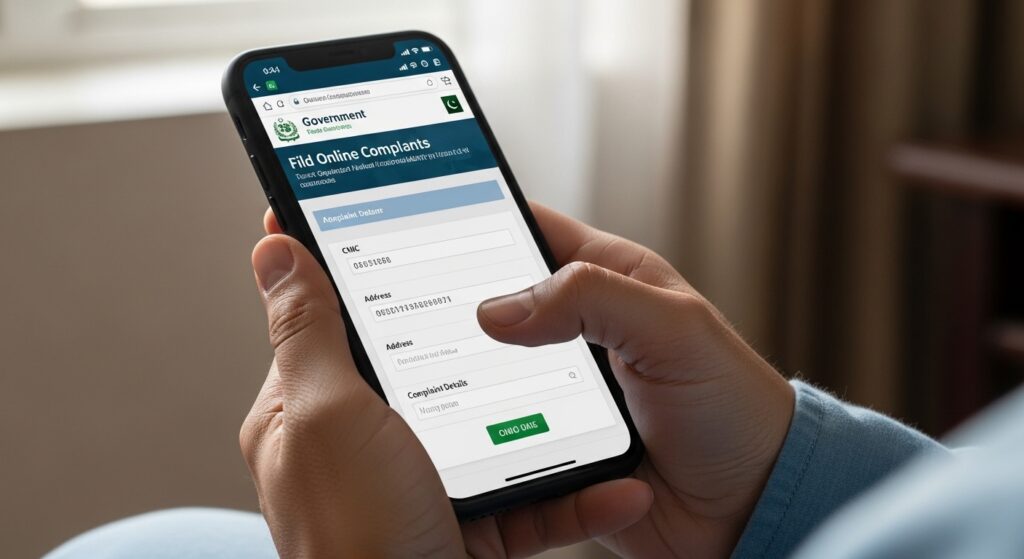
Who Can Submit a Complaint?
You are eligible to file a complaint if:
- You are a registered beneficiary under the Rashan Card Scheme 2026
- You have a valid CNIC
- Your mobile number is registered in the system
- You received previous confirmation SMS
⚠️ If you are not registered, complete registration first.
Step-by-Step Process to Submit Rashan Card Complaint Online
Follow these easy steps:
Step 1: Visit Official Portal
Go to the official Punjab Social Protection portal:
👉 https://pser.punjab.gov.pk
Step 2: Open Complaint Section
Click on “Complaint” or “Grievance” option.
Step 3: Enter CNIC
Type your CNIC number without dashes.
Step 4: Select Complaint Type
Choose your issue category (Blocked Card, Subsidy Issue, CNIC Error, etc.).
Step 5: Write Description
Explain your issue clearly in 2–3 short sentences.
Step 6: Upload Documents (If Required)
Attach CNIC copy or SMS proof if asked.
Step 7: Submit & Save Tracking ID
After submission, you will receive:
- Confirmation SMS
- Tracking ID number
Keep the tracking ID safe to check status later.
Required Documents for Complaint
In most cases, you will need:
- ✅ Valid CNIC number
- ✅ Registered mobile number
- ✅ Previous SMS proof (if available)
- ✅ Utility bill (in some verification cases)
Providing accurate information speeds up processing.
Helpline & Official Contact Details
If online submission is not possible, you can contact official support:
- 📞 Helpline: 1223
- 🌐 Official Portal: https://pser.punjab.gov.pk
- 🏢 Visit nearest facilitation center
- 📩 Use official SMS service for updates
⚠️ Never share your CNIC details with unofficial agents.
Processing Time – How Long Does It Take?
Most complaints are resolved within:
3 to 15 working days
Resolution time depends on:
- Nature of complaint
- Verification requirements
- District workload
Important Tips for Faster Resolution
✔ Double-check CNIC before submission
✔ Write a short and clear complaint
✔ Do not submit duplicate complaints
✔ Keep your tracking ID safe
✔ Respond quickly if authorities contact you
Submitting multiple complaints for the same issue may delay processing.
Why the Online Complaint System Is Important
The government launched this system to:
- Reduce corruption
- Eliminate middlemen
- Speed up grievance handling
- Provide digital transparency
It helps low-income families get their rightful subsidy without unnecessary delays.
Final Words
The Rashan Card Complaint Online 2026 system makes it easier than ever to resolve subsidy issues from home. If you are facing any problem, follow the official method and avoid unofficial agents.
1. How long does it take to resolve a Rashan Card complaint?
Usually 3–15 working days.
2. Can I submit a complaint without CNIC?
No. A valid CNIC is mandatory.
3. What if I don’t receive SMS confirmation?
Call the official helpline 1223 and provide your CNIC.