How to Edit or Update Your Parwaz Card Application 2026? The CM Punjab Parwaz Card Scheme is a big program that gives people more control over their money. It helps qualified people get interest-free business loans and help from the government. Through the online portal, thousands of people have already applied.
But a lot of people find out after the fact that they made mistakes like spelling mistakes, wrong CNIC information, uploading the wrong documents, or not giving enough information about their business. The system is all digital and linked to government databases like NADRA and the Federal Board of Revenue. This means that even small mistakes can cause delays or rejections.
This 2026 guide tells you when you can edit, how to correctly update your application, what information you can change, and how to keep your application from being turned down.
Why You May Need to Edit or Update Your Parwaz Card Application
Applicants often need to change their information for these reasons:
- Misspelled words or the wrong CNIC number
- Wrong name for father or husband
- Address or phone number is wrong
- Not the right NTN or tax filer status
- Uploads of blurry, outdated, or wrong documents
- Wrong information about the business or income
- Not having the necessary papers
- Technical problems with the filing
During testing, even small mistakes can lead to data that doesn’t match up. Fixing them early raises the chances of getting approval.
Can You Edit Your Parwaz Card Application?
Yes, editing is allowed in many cases. However, it depends on your application status.
Editing availability by status:
- Draft → Fully editable
- Submitted → Usually editable
- Under Review → Editing may be allowed
- Pending Documents → Editable and re-upload allowed
- Under Final Verification → Editing may be limited
- Approved or Rejected → Editing usually not allowed
It is best to correct mistakes as early as possible.
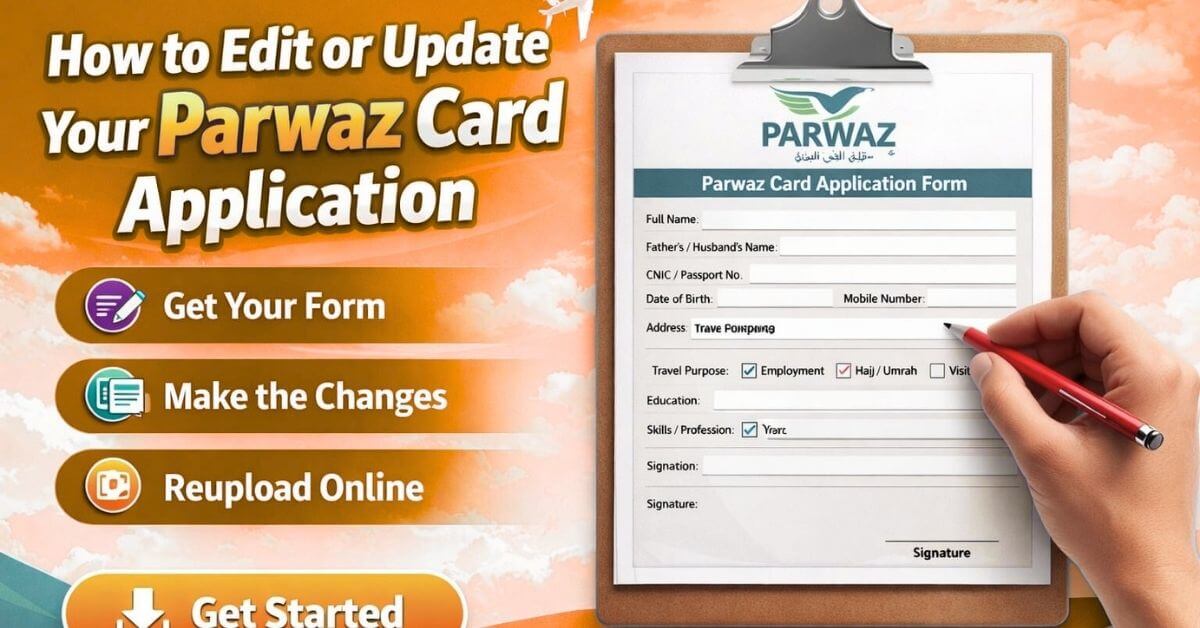
Step-by-Step: How to Edit or Update Your Parwaz Card Application:
Step 1: Visit the Official Portal:
Visit the official Parwaz Card website, which is run by the Punjab Government. Never use an agent or a link from a third party; always go to the official page. https://parwaaz.psdf.org.pk/
Step 2: Log In to Your Account:
Enter your:
- CNIC number
- Registered mobile number
- Password or OTP
You will go to the homepage for your application.
Step 3: Check Your Application Status:
Check to see where your application stands right now, such as:
- Draft
- Sending in
- Reviewing
- Documents Still Needed
- Verification in Progress
- Appraised or Turned Down
When a document is in the Draft, Submitted, or Pending status, it can generally be edited.
Step 4: Click Edit or Update Application:
To open your form again, click the Edit Application or Update Details button if you can make changes.
Step 5: Correct Your Information:
Most of the time, you can:
- How to spell a name
- Name of the father or husband
- Data from the CNIC
- Phone number and address
- NTN or status as a taxpayer
- Data on the business and its income
- Information about money
Check that all of the information matches what you have on file.
Step 6: Upload Correct Documents
If your previous documents were incorrect, upload clear and valid files such as:
- CNIC front and back
- NTN certificate if required
- Recent passport-size photo
- Business proof or business plan
Document requirements:
- Clear and readable
- No blur or shadows
- No edited or fake documents
- Prefer scanned copies
Step 7: Review and Resubmit:
Before submitting:
- Check all information carefully
- Match details with CNIC and official records
- Ensure nothing is missing
Submit your application again. It will enter the verification process.
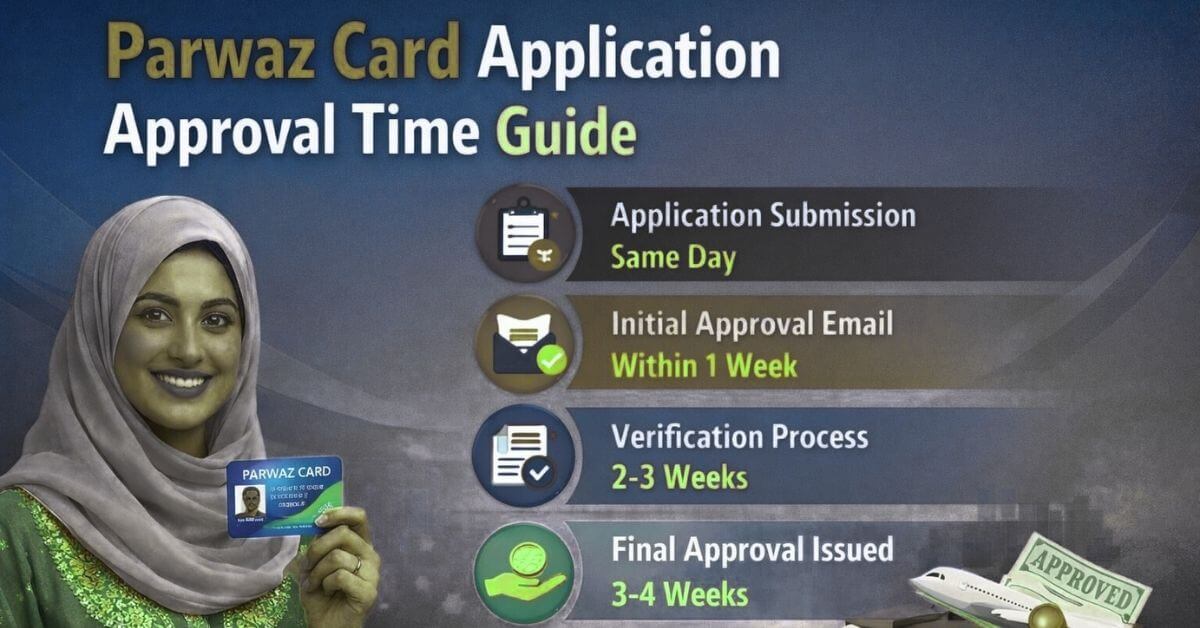
Check Also: Parwaz Card Application Approval Time Guide
What Details Can Be Edited?
Most applicants can make changes to:
- Fixing the spelling of names
- Name of the father or husband
- Number and place to call
- About the business
- Information about money
- Uploading files
While the final check is being done, some identity areas may be locked.
Common Mistakes and How to Fix Them:
Wrong CNIC Information:
Even one wrong digit causes rejection.
Solution: Correct CNIC details and upload clear copies.
Incorrect NTN or Tax Status:
Wrong tax details affect eligibility.
Solution: Register as a tax filer and update the correct NTN.
Blurred or Incorrect Documents:
Low-quality files fail verification.
Solution: Upload clear scanned original documents.
Incorrect Business Information:
Unrealistic or false details reduce approval chances.
Solution: Provide accurate and realistic business information.
Spelling Errors:
Name mismatch with official records causes delays.
Solution: Match spelling exactly with CNIC.
What If Editing Is Not Allowed?
Editing may be locked due to:
- Checking has already begun
- Limitations on the system
- Limits on the policy
In this case, you should:
- Use the help or complaint area of the portal.
- Call the main helpline for help.
- Visit authorized places for help
- Reapply in the next phase if you are able to.
Never pay agents for corrections.
Important Guidelines While Updating:
To avoid rejection:
- Type in correct and honest information
- Make sure your NTN and CNIC are working.
- Put up clean papers
- Don’t make the same changes over and over.
- Do not send in fake details.
Accurate applications have higher approval chances.
Why Updating Your Application Is Important
Changing wrong information helps:
- Avoid rejection
- Check more quickly
- Make eligibility better
- Make things clear.
- Boost your chances of approval
The government checks your information against official records, so it’s very important that it’s correct.
What Happens After You Update Your Application:
After resubmission, officials check to see if:
- Your CNIC information through NADRA
- To get tax information through FBR
- Veracity of the document
- Criteria for eligibility
- Possible for a business
If everything is right, the chances of approval go up a lot.
Conclusion:
The Parwaz Card Scheme is a great way for eligible people to get money to help their businesses grow without having to pay interest. It’s possible for mistakes to happen on your application, but if you fix them quickly, you can still be considered.
Make sure you always add correct information to your application, upload valid papers, and check that all the information matches what is in the official records. In 2026, your best chance of being approved is if your application is full and right.
Can I edit my Parwaz Card application after submission?
Yes, many applications can be edited depending on status. Drafts, submitted, or pending documents can usually be updated. Make corrections carefully and re-upload accurate documents to improve approval chances and avoid delays during verification.
Will editing my Parwaz Card application delay approval process?
Editing may restart verification but increases accuracy and approval chances. Once corrections are submitted, officials recheck documents and data consistency. Early updates help prevent rejection and build trust with verification authorities for faster processing.
Why is updating application information important for approval?
Accurate application details prevent rejection, ensure smooth verification, and improve eligibility for financial support. Correcting errors like CNIC, NTN, or business information builds trust with authorities and increases chances of securing the Parwaz Card benefits in 2026.