How to Check Parvaaz Card Application Status 2026? The Parvaaz Card 2026 is a major program by the Government of Punjab that aims to help eligible citizens get loans and financial support. It focuses on helping young people, small business owners, and people who are jobless. Thousands of people have registered online through the official portal, but a lot of them are getting a message that says “Not Yet Submitted.”
Don’t worry if you see this message when you check the progress of your Parvaaz Card 2026 application. It’s explained in this guide why it happens, how to fix it, and what steps you need to take to finish your application successfully.
What Is Parvaaz Card 2026?
As part of the Punjab government’s effort to help people get better financial situations, the Parvaaz Card 2026 offers:
- Loans with no or little interest
- Startups can get financial help
- Help for little and medium-sized companies
- Simple ways to pay back in installments
The program’s goals are to lower unemployment and encourage people in Punjab to work for themselves.
What Does “Not Yet Submitted” Mean?
If the status of your application says “Not Yet Submitted,” it generally means:
- The application form you sent is not complete.
- You saved the form, but you didn’t click the “Submit” button.
- The necessary files were not posted.
- There was a problem with the technology during registration.
- The timer ran out before final proof.
This state doesn’t mean that your application was turned down. It just means that your form hasn’t been sent to the system yet.
Main Reasons for “Not Yet Submitted” Status
Application Saved but Not Submitted:
Many applicants click “Save” instead of “Submit.” Saving the form does not send your application to the system. To complete your submission, you must click Submit Application and receive a confirmation message.
Missing Required Documents:
Ensure that all mandatory documents are uploaded, including:
- CNIC copy
- Income proof
- Domicile certificate
- Business plan (if applicable)
Incomplete uploads may prevent successful submission.
Incomplete Personal Information:
Errors or missing details in your application can cause submission issues, such as:
- Wrong CNIC number
- Missing mobile number
- Incomplete address
- Invalid email address
Always double-check your personal information before final submission.
Internet or Server Issues:
Slow or interrupted internet connections can stop your application from being recorded. Heavy traffic on the portal may also cause technical glitches. Ensure a stable connection when submitting your form.
Session Timeout:
Government portals often log users out automatically after a period of inactivity. If your session expires before clicking Submit, your application will remain unsubmitted. Always complete your submission promptly to avoid this issue.
How to Fix “Not Yet Submitted” Issue?
Follow these steps to resolve the issue:
Step 1: Login to the Official Portal
- Visit the Parvaaz Card official portal
- Enter your CNIC and password
- Open your saved application
Step 2: Review All Sections Carefully
Check:
- Personal information
- Educational and employment details
- Loan requirement section
- Uploaded documents
Ensure no section is incomplete.
Step 3: Upload Missing Documents
- Upload clear scanned copies
- Ensure files meet portal size and format requirements (PDF/JPEG)
Step 4: Click the Final Submit Button
- Click Submit Application. https://parwaaz.psdf.org.pk/
- Wait for a confirmation message
- Take a screenshot and save your application reference number
Step 5: Recheck Application Status
- Wait 24–48 hours after submission
- Status should update to:
- Submitted
- Under Review
- In Process
Check Also: Parwaz Card Monthly Payment Status and Process
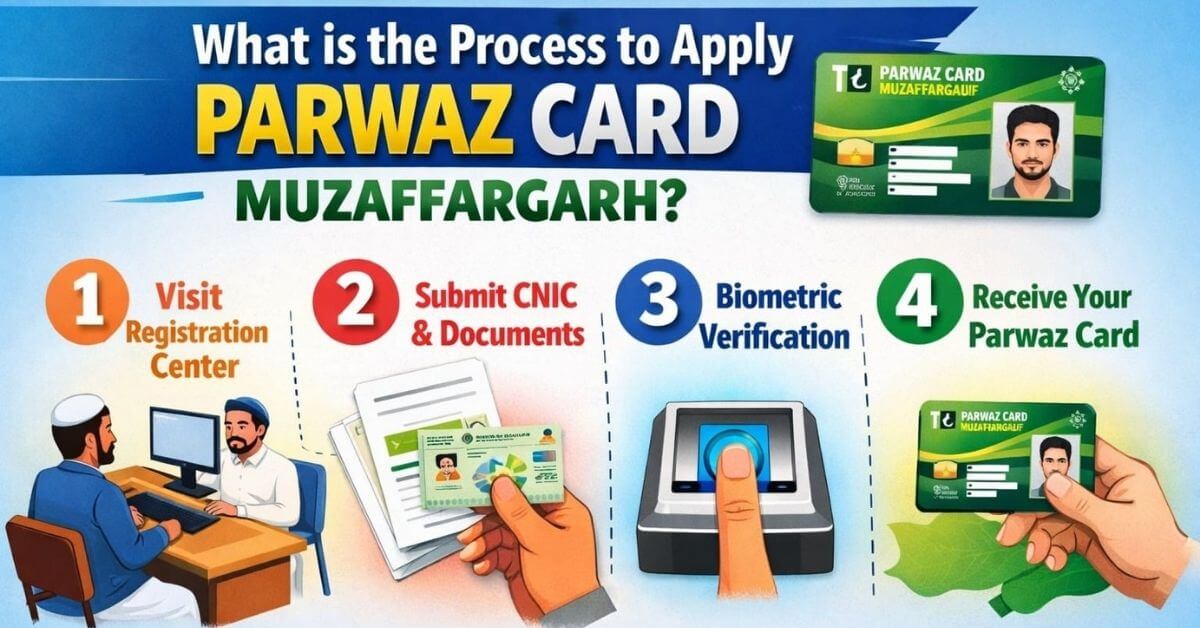
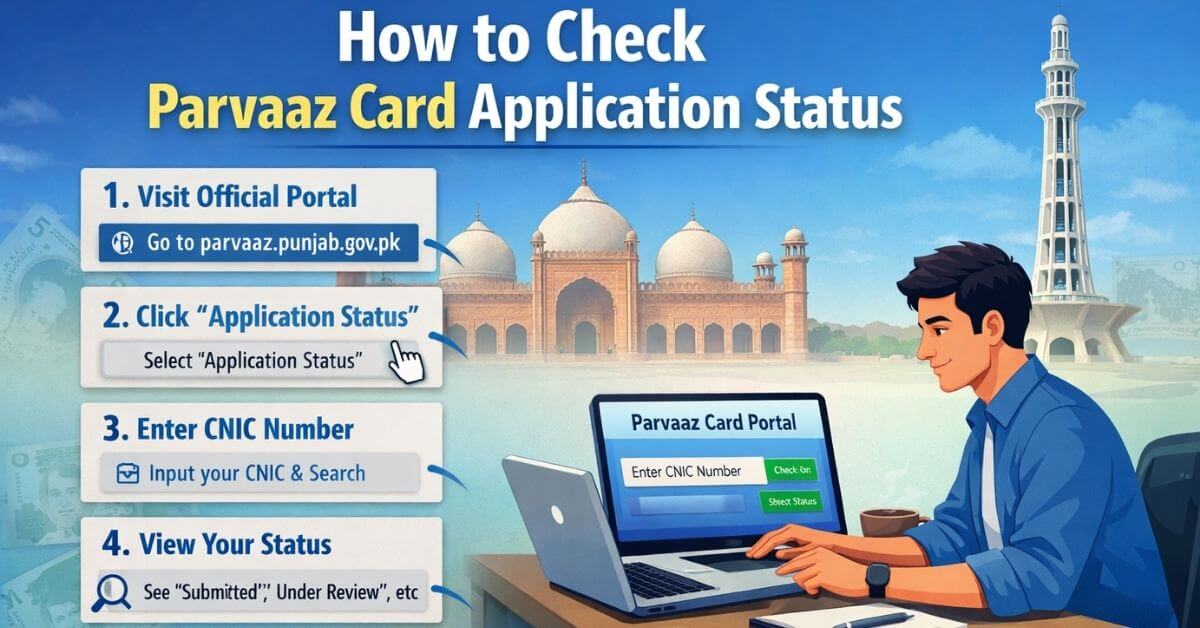
How to Check Parvaaz Card Application Status 2026?
- Go to the official Parvaaz Card portal
- Click Application Status
- Enter your CNIC number
- Click Search
Possible Statuses:
- Not Yet Submitted
- Submitted
- Under Verification
- Approved
- Rejected
What If Status Still Shows “Not Yet Submitted ”?
Try the following:
Clear Browser Cache
Sometimes old data can cause display errors. To fix this:
- Clear your browser history and cookies
- Try a different browser, such as Chrome or Firefox
- Use incognito/private mode to avoid cached data issues
Use a Desktop Instead of Mobile
Some government portals work better on desktop devices than mobile phones. Submitting your application via a desktop can prevent technical glitches and improve submission reliability.
Contact Official Helpline
If the issue persists, contact the official support team:
- Call the official helpline number
- Email the support team with your CNIC and application reference number for manual verification
Common Mistakes Applicants Make
- Forgetting to tick the declaration checkbox
- Not clicking the final confirmation
- Uploading blurred or invalid documents
- Using an expired CNIC
- Providing an incorrect mobile number
Avoiding these mistakes ensures smoother application approval.
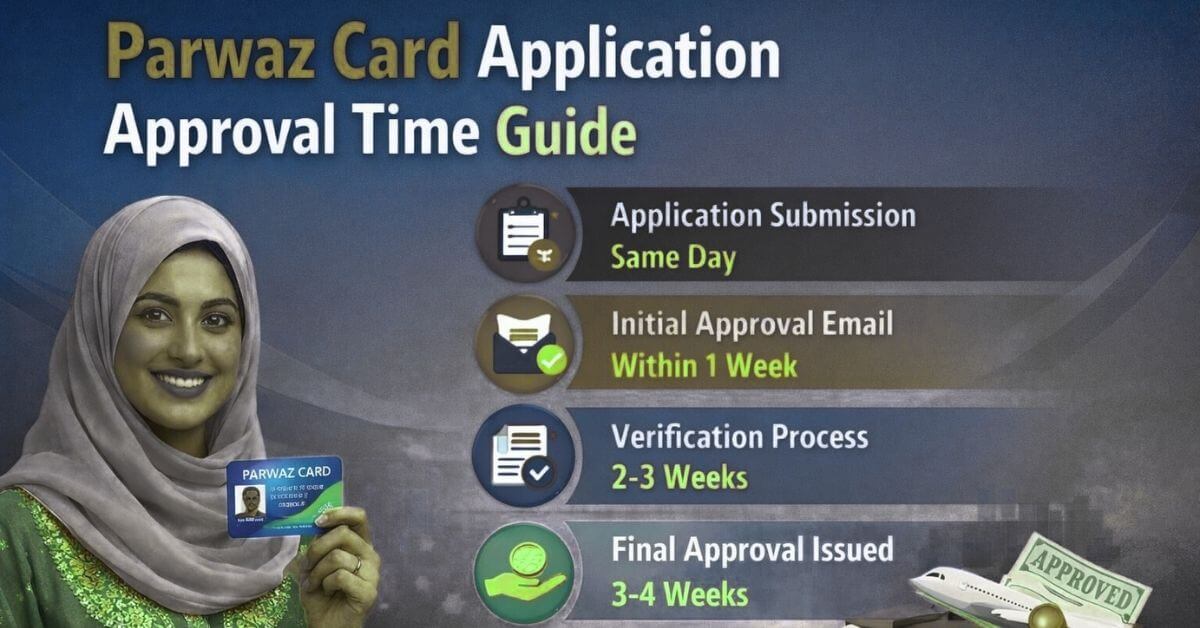
How Long Does Parvaaz Card 2026 Approval Take?
- Initial verification: 3–7 days
- Document verification: 7–14 days
- Final approval: 2–4 weeks
Time may change based on the number of applications.
Tips for a Successful Application:
- Use a stable internet connection
- Keep scanned documents ready
- Double-check CNIC number
- Provide an active mobile number
- Submit during non-peak hours
- Save the confirmation receipt
Conclusion:
It’s common for Parvaaz Card 2026 to show “Not Yet Submitted.” This is usually because of forms that aren’t complete, papers that are missing, or technical issues. In this case, it doesn’t mean rejection. Most applicants can fix it by going back to the site and submitting the last copy.
What should I do if status remains unchanged?
Clear your browser cache and cookies, try using a different browser or incognito mode, and consider submitting from a desktop instead of a mobile device to ensure proper portal functionality.
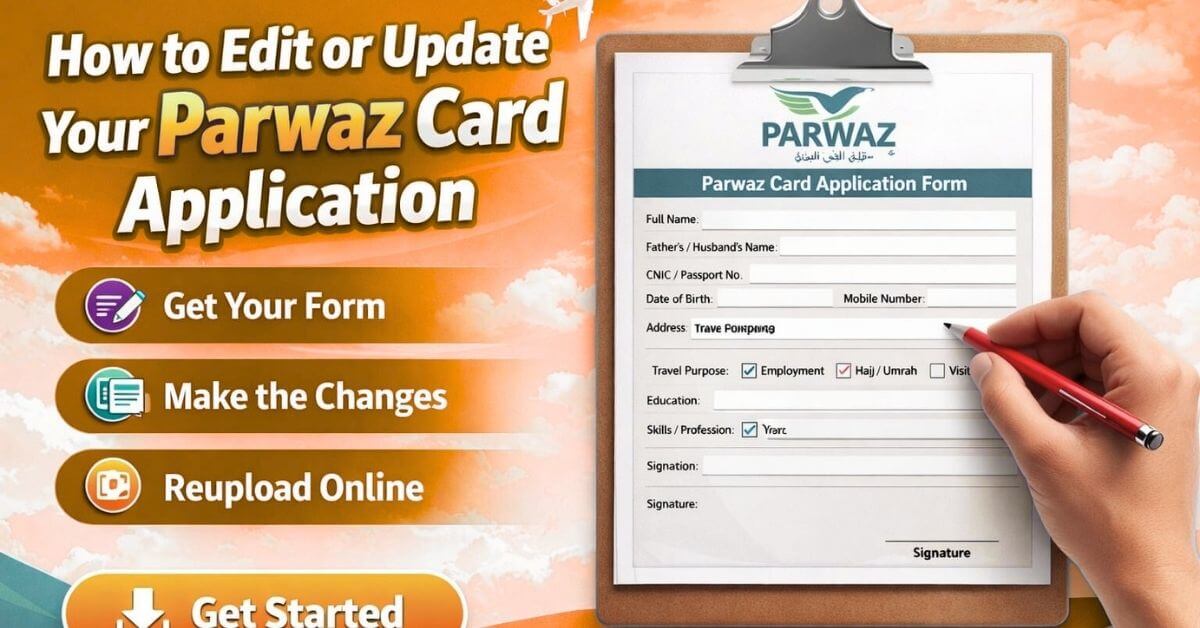
Can I edit my application after submission check?
Yes, if your status shows Not Yet Submitted, log in to the portal, complete any missing information, upload required documents, and click the final Submit Application button to update your status successfully.
Why is my application showing incomplete information alert?
Incomplete personal or contact information, such as wrong CNIC, missing mobile number, invalid email, or incomplete address, can prevent the system from registering your submission. Review all details carefully before final submission.