How to Fill Parwaz Card Form Correctly Without Mistakes in 2026? Through interest-free loans and government support, the CM Punjab Parwaz Card Scheme is a major program that aims to give young people, women, small traders, entrepreneurs, and people with low to middle incomes more power. Even though thousands of people apply every day, many of them are either held up or rejected because the forms are not filled out properly.
All of the information in the Parwaz Card application is digital, and it is tied to official databases. Small mistakes can slow down or even stop the approval process. If you know how to fill out the form properly, the process will go smoothly and without any mistakes.
This guide walks you through each step, points out common mistakes, and explains how to send in a strong application that gets quickly approved.
Why Filling the Parwaz Card Form Correctly Matters
This Parwaz Card is not just an easy sign-up sheet. These steps are used to check applications:
- NADRA identity records
- Provincial residency databases
- FBR tax systems (if applicable)
- Financial and credit history checks
- Business or income validation
Incorrect or mismatched information can cause:
- Long verification delays
- Requests for resubmission
- Manual review flags
- Direct rejection
Carefully filling out the form improves the chances of approval and shortens the time it takes to process.
How do I start filling Parwaz Card form?
Begin by visiting the official Punjab government portal; prepare your CNIC, active mobile number, and documents. Ensure your internet connection is stable and avoid using unofficial links or agents to prevent errors during submission.
What to Prepare Before Filling the Form?
Plan ahead to avoid mistakes and make sure the process goes smoothly. Make sure you have these:
- Valid, up-to-date CNIC
- Registered cell phone number that works in your name
- The NTN number and tax information (if needed)
- The correct home address
- Info about your business or income (for people who want to borrow money)
- Scan papers that are clear
- a steady internet connection
Getting ready is the key to a good application.
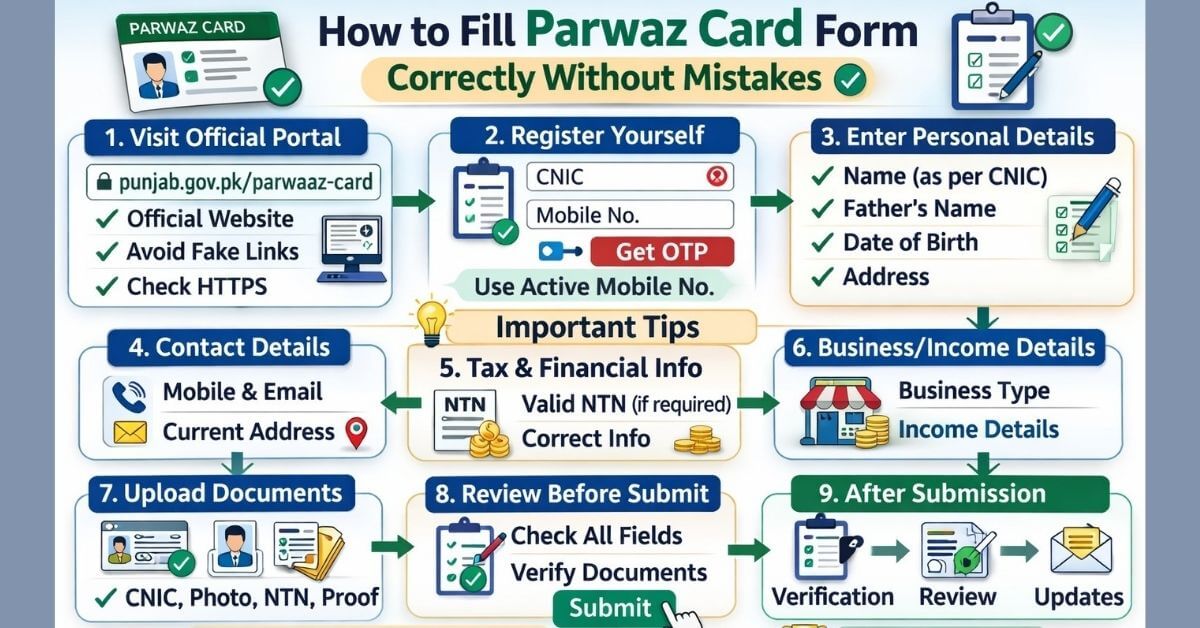
Step-by-Step Guide: How to Fill Parwaz Card Form Correctly Without Mistakes (2026)
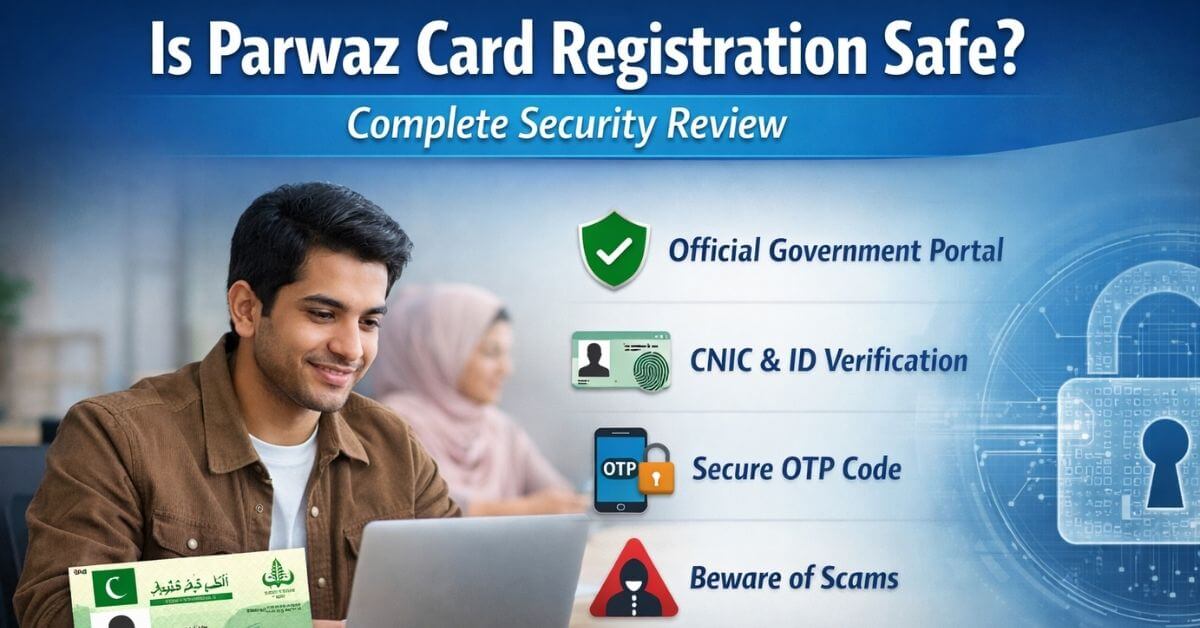
Step 1: Use Only the Official Parwaz Card Portal:
- You can only apply through the official Punjab Government website. https://punjab.gov.pk/parwaaz-card
- Stay away from links that come from Facebook, WhatsApp, YouTube, or agencies.
- Ensure the website:
- Belongs to a government domain
- Uses secure HTTPS
- Is mentioned in official announcements
Fake portals can steal data and lead to automatic rejection.
Step 2: Register Your Account Carefully:
During registration, provide:
- CNIC number
- Mobile number
- Basic identification details
Tips:
- Mobile number must be active and accessible
- Preferably registered in your own name
- Able to receive OTP messages
Many applications fail due to wrong or inactive mobile numbers.
Step 3: Enter Personal Information Exactly as per CNIC:
Ensure accuracy for:
- Full name as it appears on your CNIC
- Name of father or husband
- When you were born
- Gender
- Permanent and up-to-date address
Avoid nicknames, short forms, or spelling variations. Even small mismatches can halt verification.
Step 4: Provide Accurate Contact Details:
During checking, the authorities may get in touch with you. Always use:
- Working cell phone number
- Enter the right email address (if asked)
- Changed the address of the home
If you aren’t allowed to, never use someone else’s contact information.
Step 5: Fill Tax and Financial Details Honestly:
If required for your category:
- Enter valid NTN only
- Ensure your tax status is active
- Avoid fake or borrowed NTN numbers
Non-filers may be required to become compliant before applying.
Step 6: Enter Business or Income Details Carefully:
This section affects loan approval:
- Type of business (existing or planned)
- Nature of work or service
- Estimated monthly income and expenses
- Clear purpose of financial support
Avoid vague answers like “I need money” or unrealistic claims.
Step 7: Upload Documents Properly:
Document issues are a leading cause of rejection. Follow these rules:
- Use clear, high-quality scans or photos
- CNIC must be readable (front and back)
- No blur, glare, cropped edges, or edits
- Avoid screenshots
Commonly required documents:
- CNIC
- Applicant photograph
- NTN certificate (if applicable)
- Business proof or simple business plan
Fake or unclear documents almost always lead to rejection.
Step 8: Review Everything Before Submission:
Before submitting:
- Check names, CNIC digits, and address
- Verify all uploaded documents
- Ensure no required field is empty
There aren’t many editing choices after submission. A final review cuts down on wait times by weeks.
Can I use someone else’s mobile number for OTP?
No, always use an active mobile number registered in your name. OTPs are sent for verification, and using someone else’s number may cause application failure or delay in processing.
Check Also: Is Parwaz Card Backed by Punjab Government?
Common Mistakes That Cause Rejection:
CNIC or Name Mismatch – Even one wrong digit or spelling causes errors
Copy details directly from CNIC
False or Exaggerated Information – Fake income or claims raise red flags
Provide honest, realistic data
Blurred or Edited Documents – Poor-quality uploads fail verification
Use clear scans only
Ignoring Eligibility Rules – Applying without checking criteria
Read official eligibility rules first
Rushing Submission – Leads to careless mistakes
Take your time and review carefully
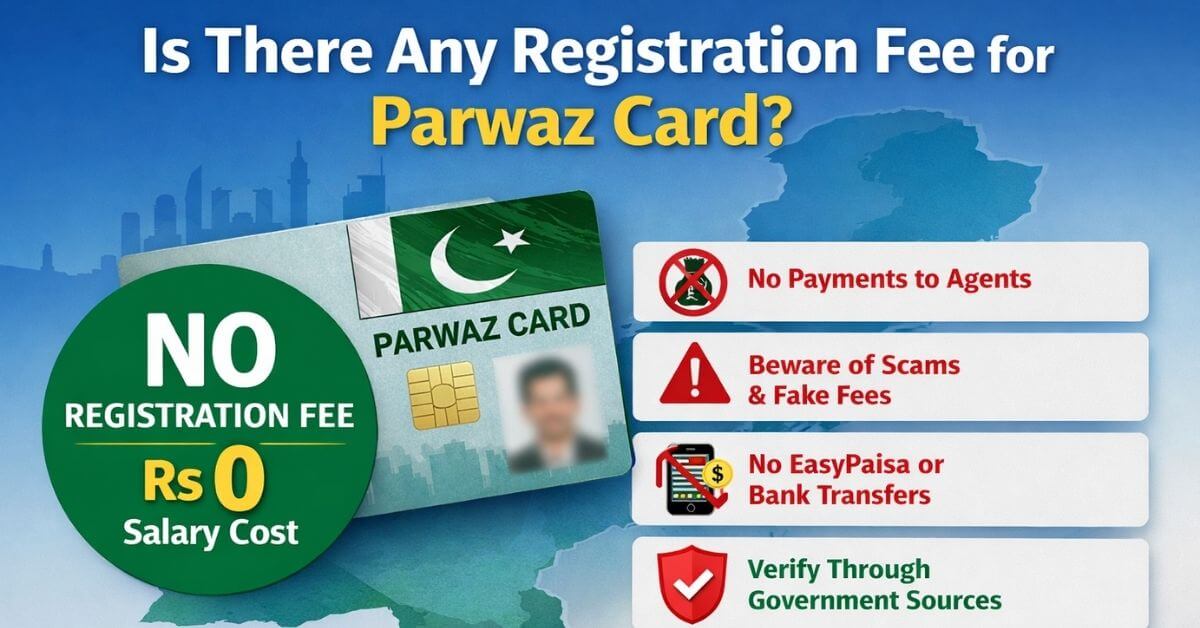
Using Agents or Middlemen -They may enter wrong data
Apply yourself; the process is free
After You Submit the Form
Your application goes through:
- Initial digital screening
- CNIC and identity verification
- Financial and eligibility checks
- Business or income validation (if applicable)
- Final approval or rejection
A correctly filled form moves smoothly through these stages.
How should I enter personal information on form?
Enter your full name, father’s or husband’s name, date of birth, gender, and addresses exactly as on CNIC. Avoid nicknames, short forms, or spelling variations to prevent mismatches with NADRA records.
How to Increase Approval Chances?
- Enter 100% accurate information
- Ensure CNIC validity
- Maintain tax compliance if required
- Upload clear documents
- Provide realistic business purpose
- Submit only one application
- Avoid agents and shortcuts
Genuine, well-prepared applications always perform better.
What If You Realize a Mistake After Submission?
- Log in to your dashboard
- Check if editing is allowed
- Update details if possible
- Use official support or complaint options
Ignoring mistakes can cost your approval.
Key Tips to Remember
- Do not rush the form.
- Check again before sending.
- Only use approved sites.
- Hold on to records or pictures
- Wait patiently while checking is done.
Taking care of someone today keeps them from being rejected tomorrow.
Conclusion:
The most important thing you can do to get interest-free loans and use government facilities is to fill out the Parwaz Card form properly. Errors that could have been avoided cause most rejects, not not being eligible.
Get your papers ready, give correct information, and carefully follow the directions. In the Parwaz Card program, your best tool is an application that is clean, honest, and fully filled out.